1
/
of
6
AILVLVNG
4K@144Hz Displayport KVM Switch 2 Monitors 2 Computers USB3.0 KVM Switch Dual Monitor for 2 Computers Share 2 Monitors and 4 USB Devices Support Extended/Copy Mode with Desktop Controller
4K@144Hz Displayport KVM Switch 2 Monitors 2 Computers USB3.0 KVM Switch Dual Monitor for 2 Computers Share 2 Monitors and 4 USB Devices Support Extended/Copy Mode with Desktop Controller
Regular price
$134.98 USD
Regular price
$134.98 USD
Sale price
Unit price
/
per
Shipping calculated at checkout.
Couldn't load pickup availability
Overview
- Operation Mode : ON-OFF
- Current Rating : 1 Amps
- Operating Voltage : 12 Volts (DC)
- Contact Type : Normally Open
- Connector Type : Plug In
- Brand : AILVLVNG
- Terminal : Dp+usb
- Item dimensions L x W x H : 5.9 x 2.55 x 1.38 inches
- Circuit Type : 1-way
- Contact Material : Metal
- Switch Type Push Button : Material Metal
- : Switch Type Push Button
- : Material Metal
- Mounting Type Panel Mount : Specification Met CCC
- : Mounting Type Panel Mount
- : Specification Met CCC
About this item
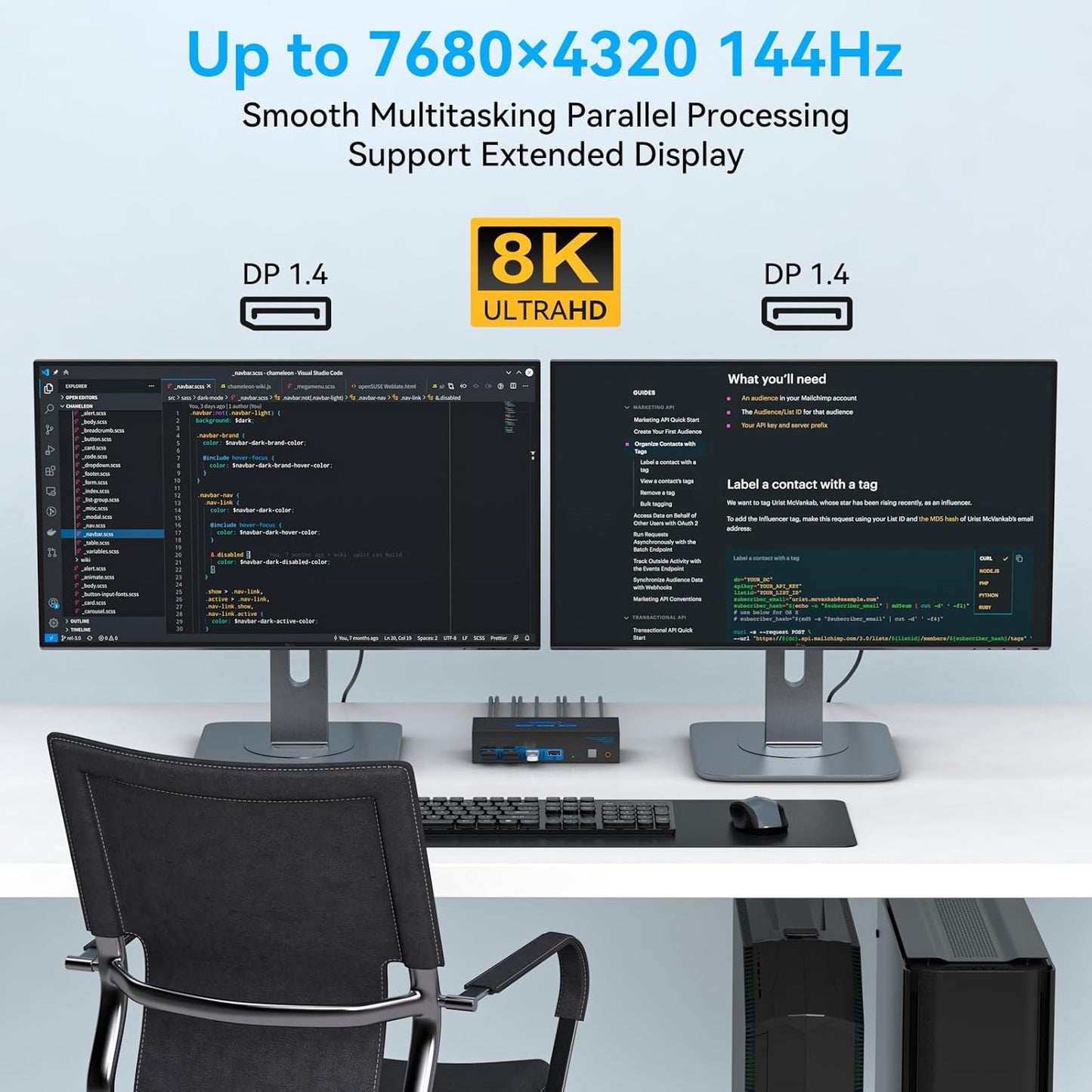
- 【Dual Monitor KVM Switch Displayport】Dual Monitor KVM Switch DP 1.4 allows you to switch freely between 2 PCs or other signal source, and share 2 monitor and 4 USB devices. KVM switches support Extended&Copy Mode. If you need to use 2 monitors, requires your computer to have 2 DP ports. The DP A and DP B ports on the product must be connected to the same computer.
- 【Ultra HD 4K@144Hz】The DP1.4 KVM Switches support max resolution up to 3840*2160@144Hz( 4K@144Hz) and is backward compatible with DP 1.2. Providing an incredible viewing experience with stunningly lifelike images and vibrant colors. Note: Final resolution is also subject to graphic cards, monitors, cables and adapters. Note: It is recommended to use 3.3ft length DP1.4 version cables for more stable operation and to avoid black screen splash screen.
- 【Dual Displayport USB 3.0 KVM Switch】This KVM switches has 4 USB 3.0 ports, supports video bandwidth up to 48Gbps, data transfer rates up to 5Gbps, which is 10 times faster than USB 2.0 ports. And is backwards compatible with USB 2.0 and USB 1.1 devices, which can recognize keyboard, mouse, printer and other USB devices.compatible with USB 2.0/1.1 devices. Note: A USB3.0 cable needs to be connected between the PC-KVM to properly recognize the 4 USB3.0 ports on the front panel of the KVM.
- 【2 Switching Methdos】The KVM switch Displayport 2 ports no driver requirede and plug and play. Support button and desktop controller to switch:1. Press the selection button on the switch to switch the signal source; 2. Use the desktop controller button to switch the signal source. The LED light shows the active device, solving the problem of frequent plugging and unplugging. NOTE: Supports only key and desktop controller switching, does not support hotkey (key combination) switching
- 【Important & Packing List】KVM switch 2 monitors 2 computers is equipped with a 12V DC power adapter. With the external power design, USB devices can obtain a stable working environment through the switch. Package includes: 1* KVM switch, 1* desktop controller, 2* USB3.0 cables, DC12V power adapter, 1* after-sales service card, 1* user manual (DP cable is not included in the package). If you have any questions, please email us through Amazon, we will contact you within 24 hours.
Share